
How to find your local Distribution Network Operator
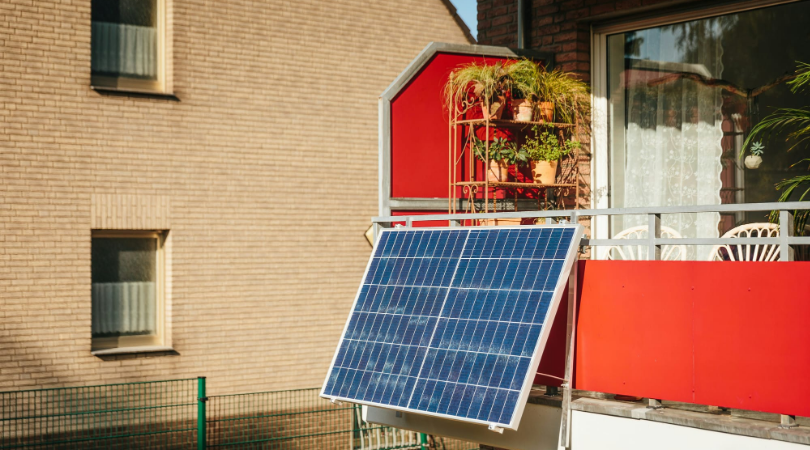
To contact them about a G98 submission for plug-in solar.
In case the supplier of your plug-in solar kit does not provide you with any information/guidance on how to find out who your local Distribution Network Operator (DNO) is, and how to contact them re. a G98 submission for plug-in solar, this page aims to fill the 'gap'.
In the UK, your DNO is the company that owns the local electricity cables—not necessarily the company you pay for electricity. So how does one go about finding out who the DNO local to you is?
- Go to the Energy Networks Association’s “Who’s my network operator?” page.
- Enter your postcode, i.e., that where the plug-in solar will be connected.
- Note the DNO shown, then use its connections/generation section and lookfor: “micro generation (G98),” “G98 notification”, “microgeneration”, “solar PV notification, or “micro generation (G98)”
The ENA tool can also identify the operator from the Distributor ID on your electricity bill.
- If your property is on an independent network - an IDNO - the ENA results should identify that operator instead of one of the usual regional DNOs.
Unfortunately, this is the point where things get a bit technical...but bear with us...it is important.
For a typical fully type-tested plug-in solar system, G98 generally applies where the generation is under 16 A per phase—about 3.68 kW at 230 V for a single-phase connection. It is a connect-and-notify process: the installation is commissioned first, then the G98 notification is sent to the DNO within 28 days. The equipment must meet the relevant type-testing and protection requirements; if it does not qualify, a G99 application may be needed before installation.
The best first contact is usually the installer or supplier, because the notification normally requires technical details such as:
- inverter make, model and device reference number
- total generation capacity
- site address and postcode
- customer and installer details
- commissioning and test information
- the relevant G98 form or online notification
Most of the above information should be available in the documentation that comes with the plug-in solar kit you have purchased. If not then you will need to contact the supplier of the kit.
If you are submitting it yourself, contact the DNO’s generation/technical connections team, rather than its power-cuts or general customer-service line. Ask:
“Please confirm the correct process and form for notifying a fully type-tested plug-in solar PV installation under EREC G98 at [full address and postcode]. The system is [capacity] kW, single phase, using a [inverter make/model]. Please also confirm whether you accept customer-submitted notifications or require submission by the installer”.
Do not use the emergency number or 105 for this; those are for faults and power cuts.
